Cartoon Selfie Emojis
Turn selfie photos into cartoon-style emojis with PennyLogo.
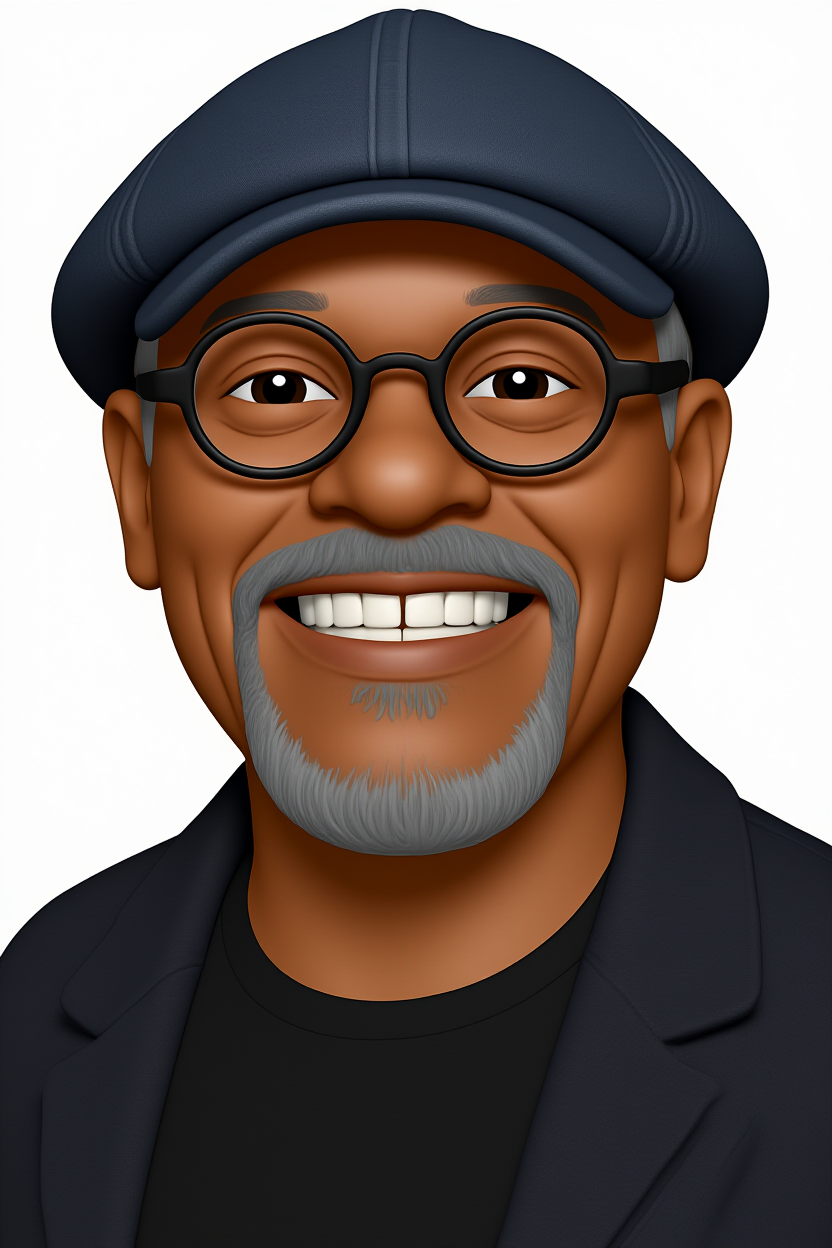
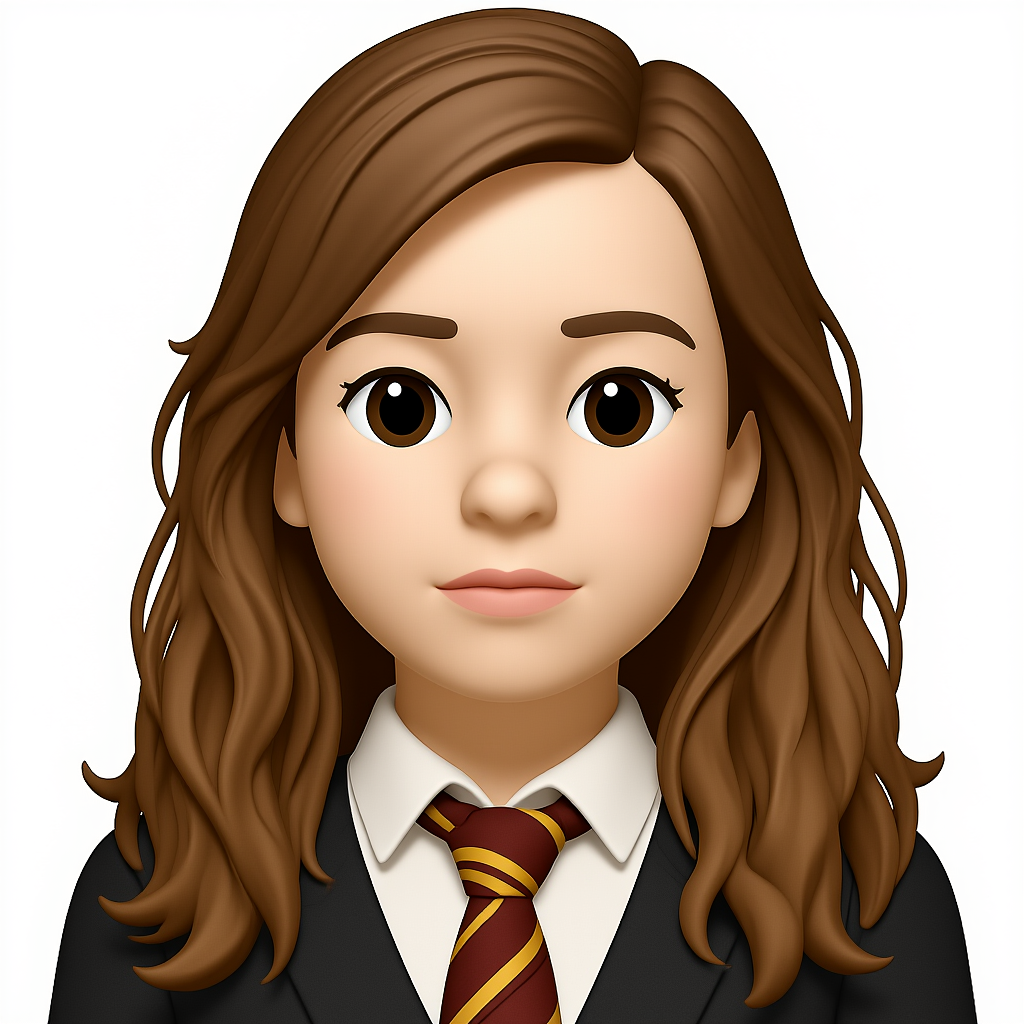
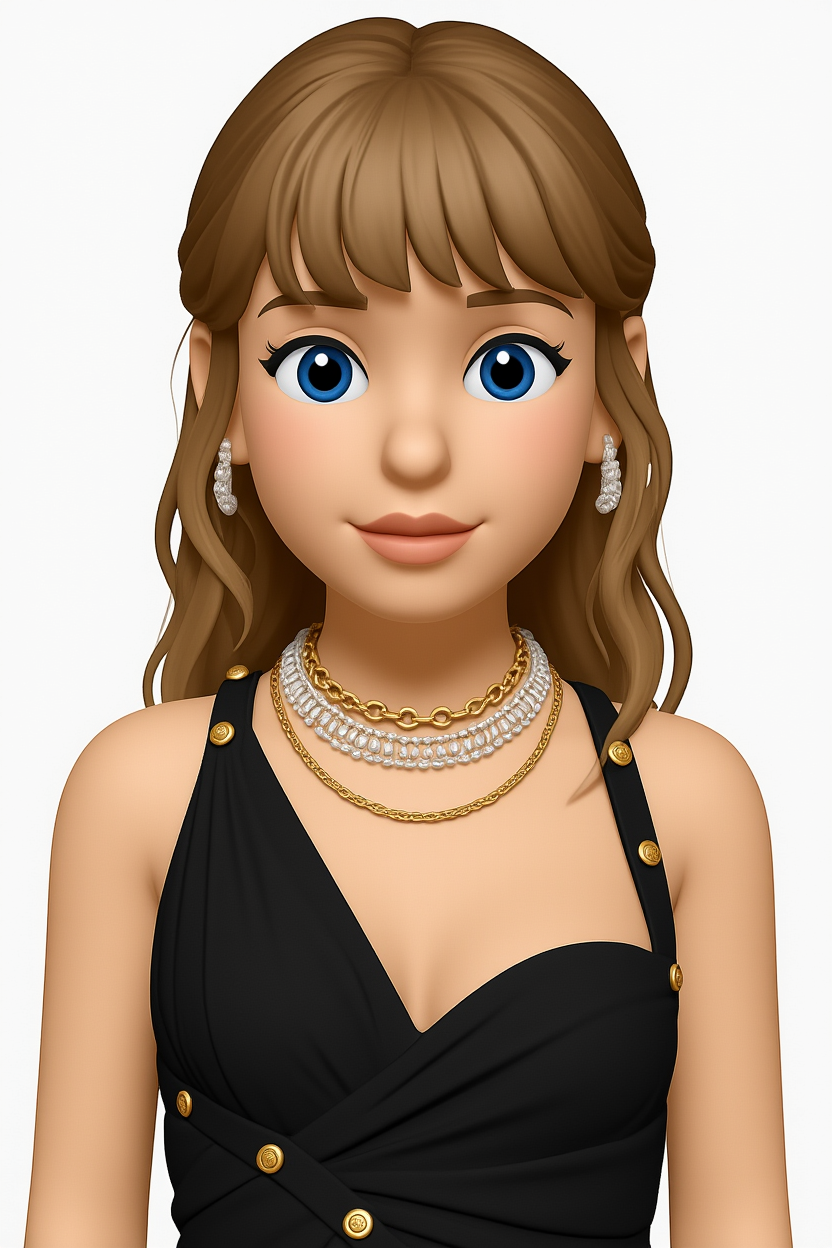
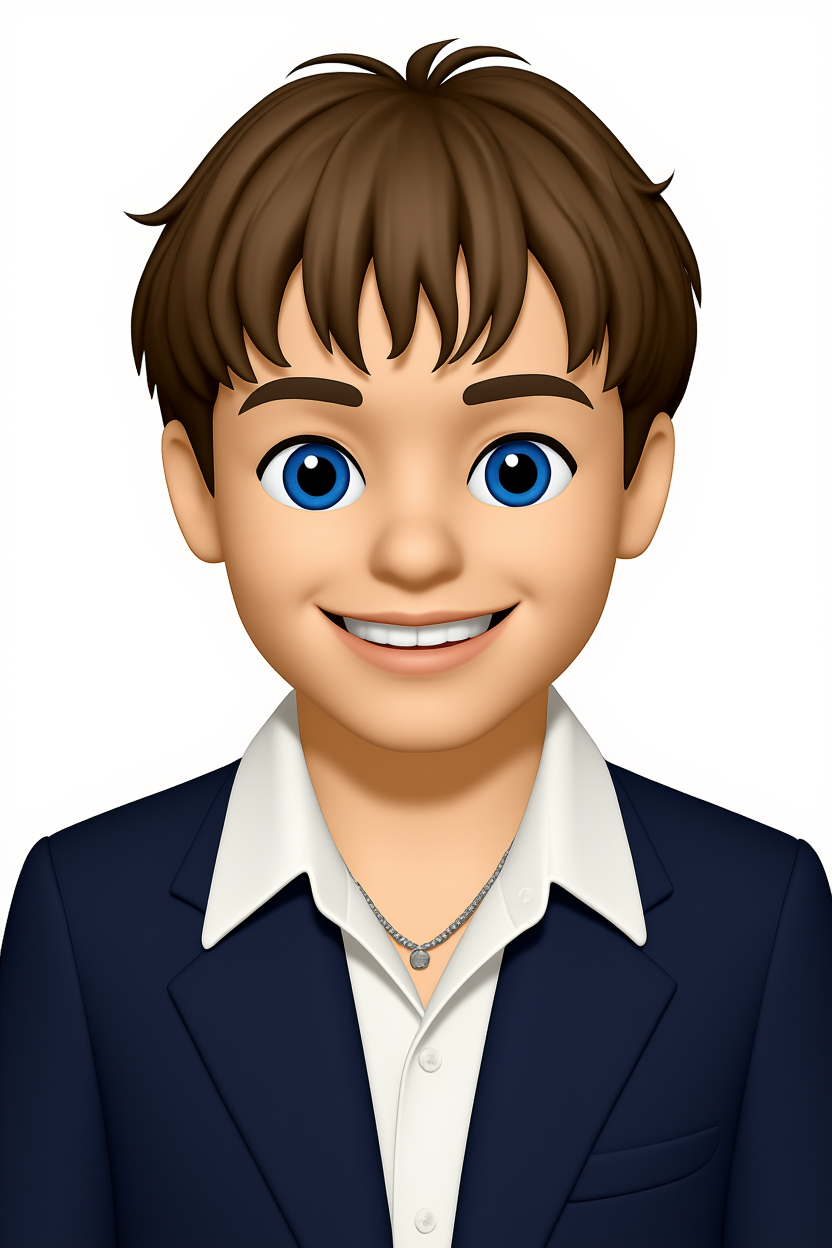
Selfies work best when the face fills roughly the middle third of the frame, with even lighting and no extreme angles. The model latches on to skin tones, hair shape, and eye colour first — accessories like glasses are usually preserved.
A classic cartoon look — clean outlines, simplified shading, and exaggerated features. Cartoon emojis are the most readable choice at small avatar sizes and are the safest pick if you do not have a specific style in mind.
Example photo-to-emoji results
FAQs
Will my glasses be in the emoji?
Yes. Accessories like glasses, earrings, and visible jewellery are usually preserved.
How should I light my selfie?
Soft, even front-lighting beats anything dramatic. Window light at midday is ideal.
What makes a cartoon emoji "good"?
Strong silhouette and limited colour palette. The output is optimised for both — readable down to 32px.
Can I get a Pixar-style version?
Add "3D cartoon" or "Pixar style" to your prompt to push the result into a 3D rendered look.