Selfie Emojis for Notion
Turn selfie photos into Notion-ready emojis. Transparent PNG, no watermark.
Selfies work best when the face fills roughly the middle third of the frame, with even lighting and no extreme angles. The model latches on to skin tones, hair shape, and eye colour first — accessories like glasses are usually preserved.
Notion lets you set a custom icon on any page or database from an uploaded image. There is no specific size cap but square 280x280 is the sweet spot — PennyLogo outputs downscale cleanly. Workspace icons follow the same rules.
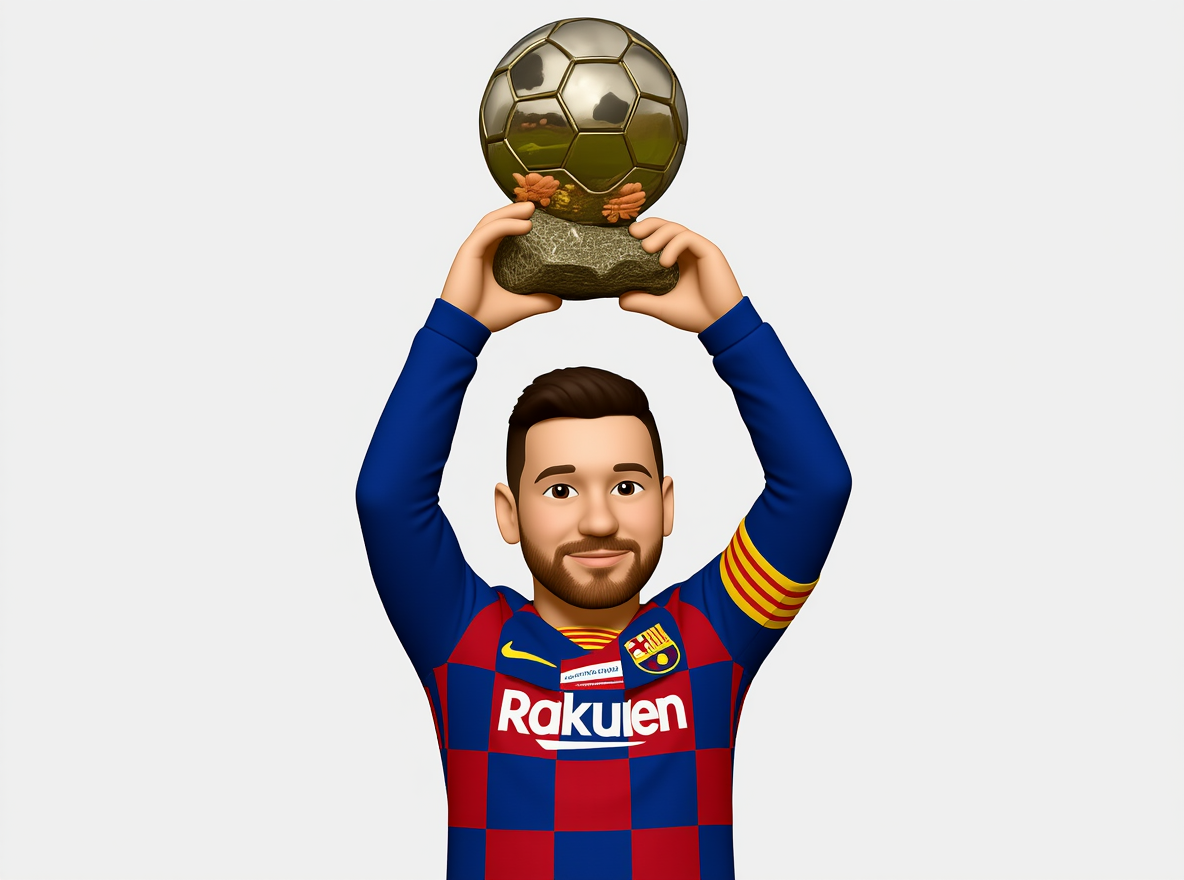
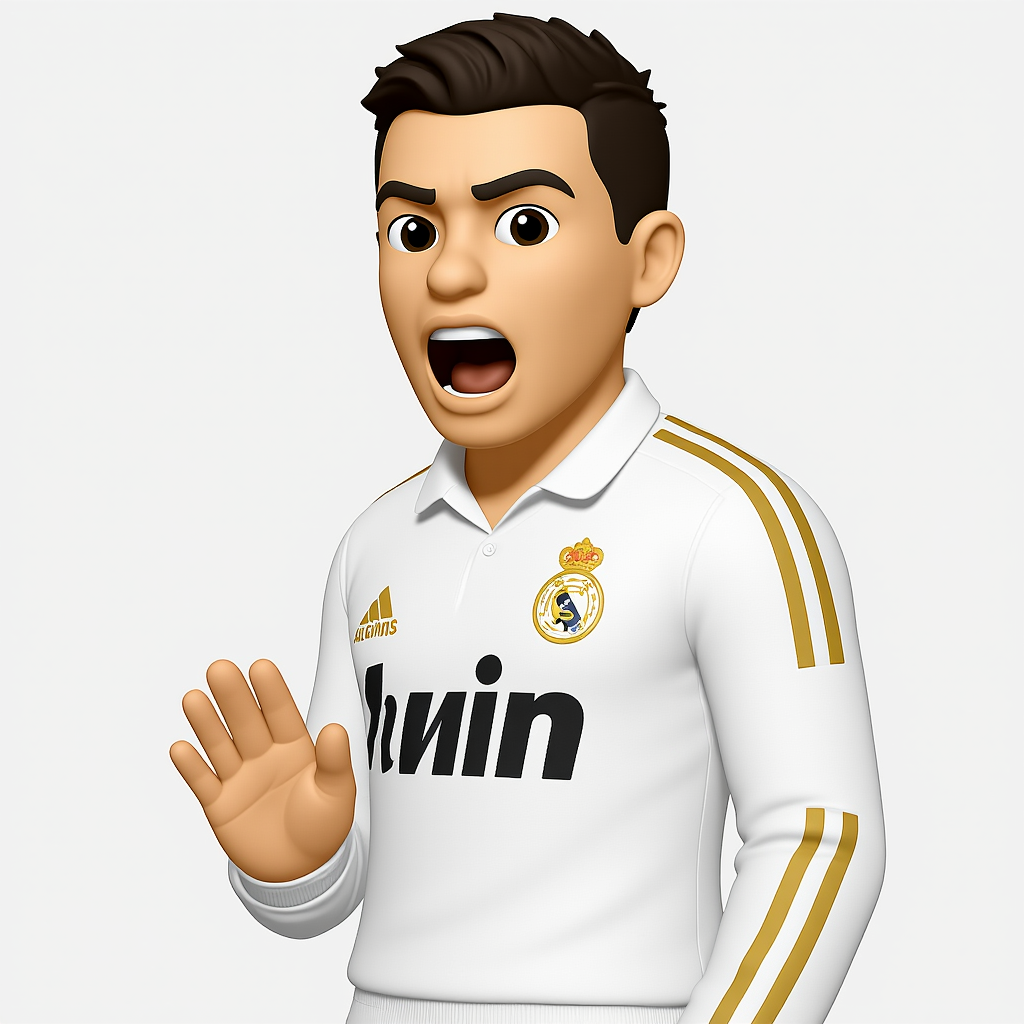
Example photo-to-emoji results


FAQs
Will my glasses be in the emoji?
Yes. Accessories like glasses, earrings, and visible jewellery are usually preserved.
How should I light my selfie?
Soft, even front-lighting beats anything dramatic. Window light at midday is ideal.
Can I use a transparent icon in Notion?
Yes, Notion respects PNG transparency for page icons.
Does it look right in dark mode?
Choose a style with strong outlines or contrast — anything with a near-white fill on transparent will blend into dark mode backgrounds.