Selfie Emojis for Slack
Turn selfie photos into Slack-ready emojis. Transparent PNG, no watermark.
Selfies work best when the face fills roughly the middle third of the frame, with even lighting and no extreme angles. The model latches on to skin tones, hair shape, and eye colour first — accessories like glasses are usually preserved.
Slack custom emojis must be square, under 128KB, and ideally 128x128px. Workspaces with strict admin controls allow only specific admins to add new emoji — but anyone can generate the PNG with PennyLogo and request it be added.
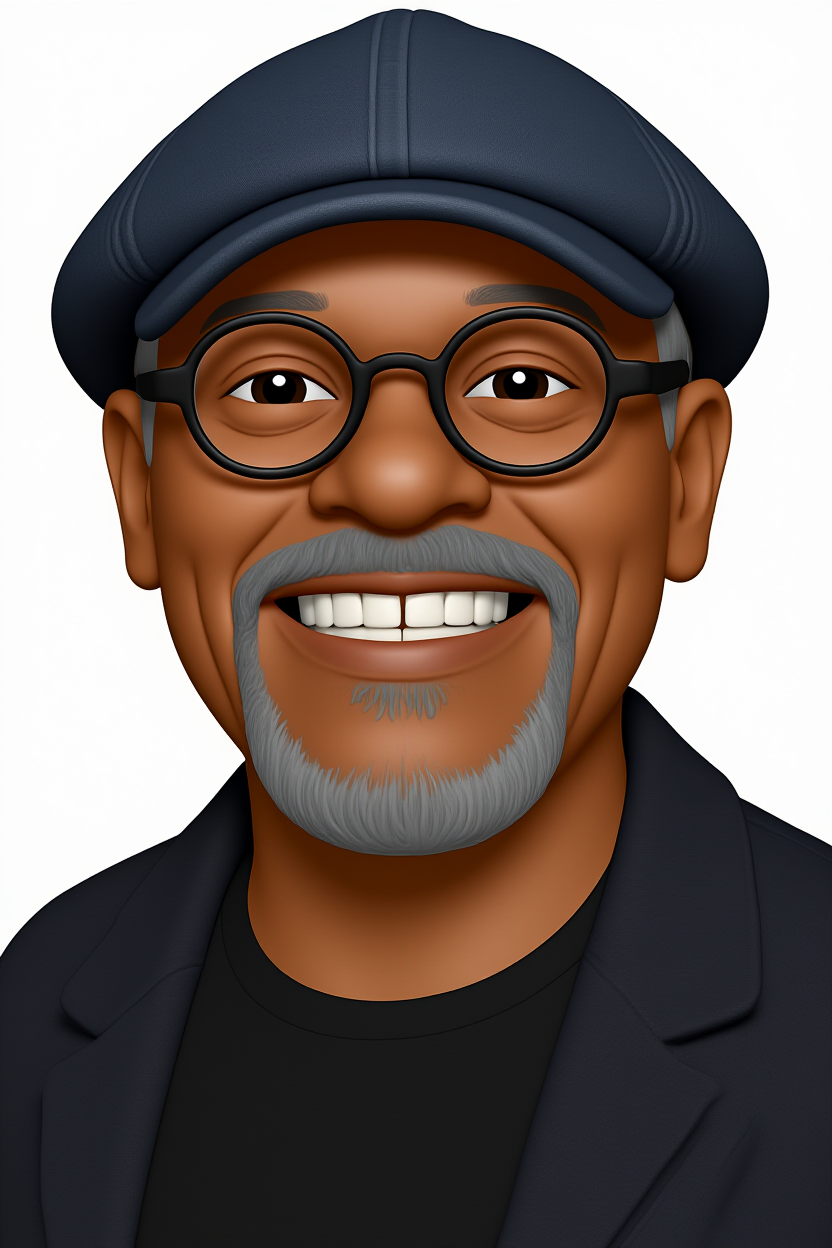
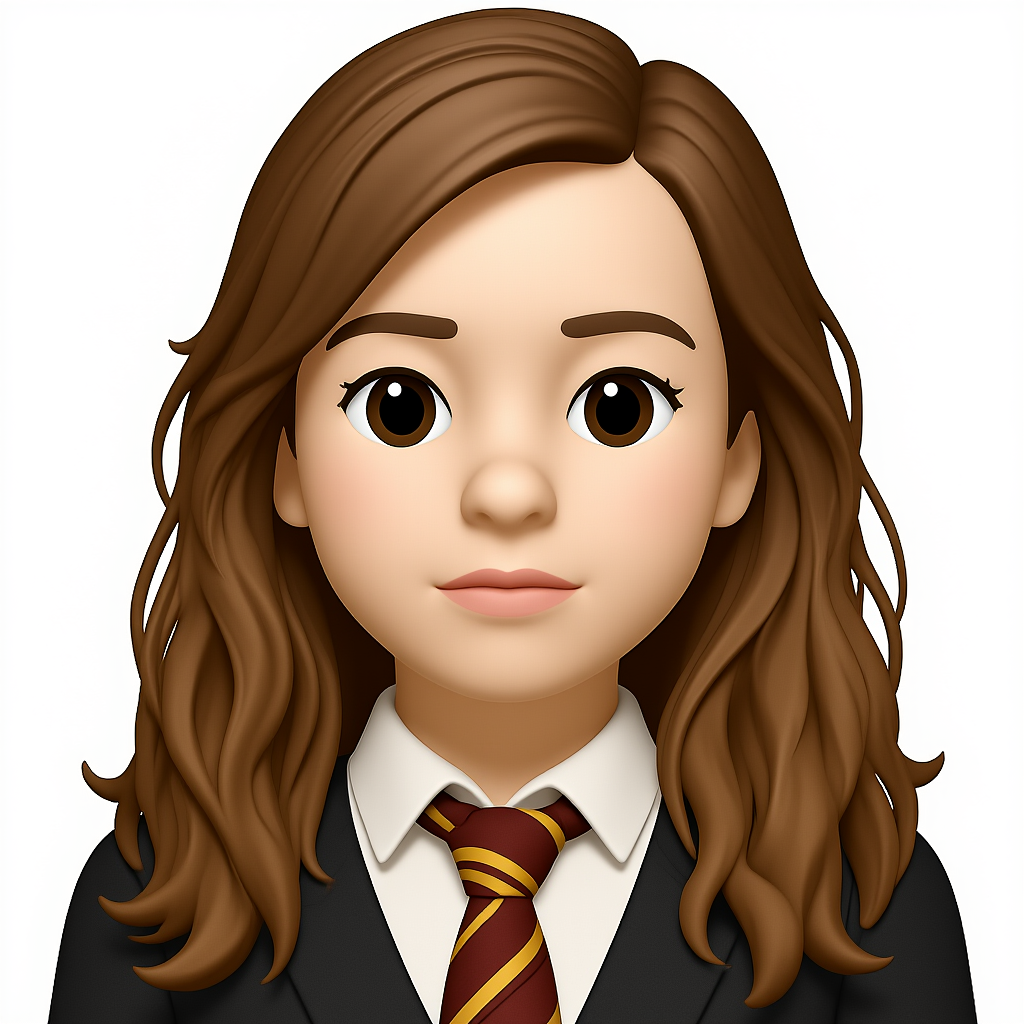
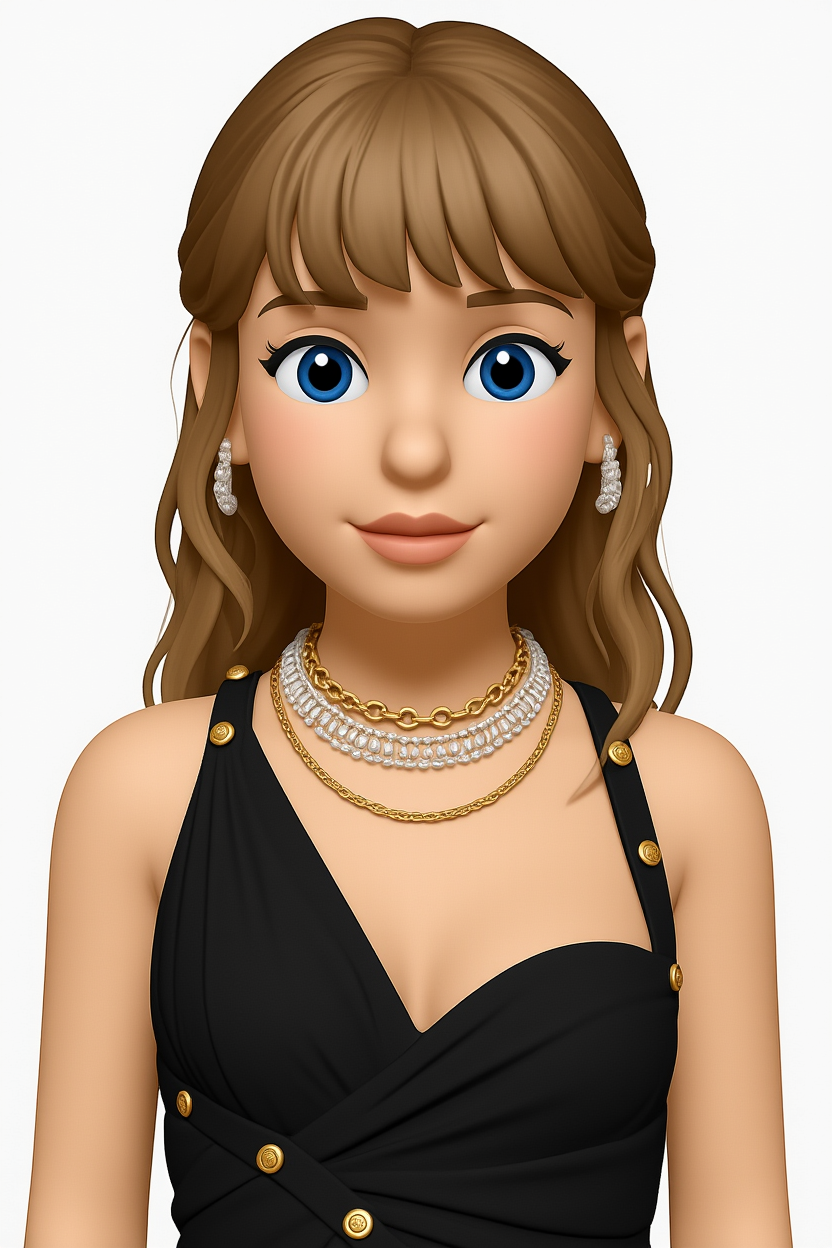
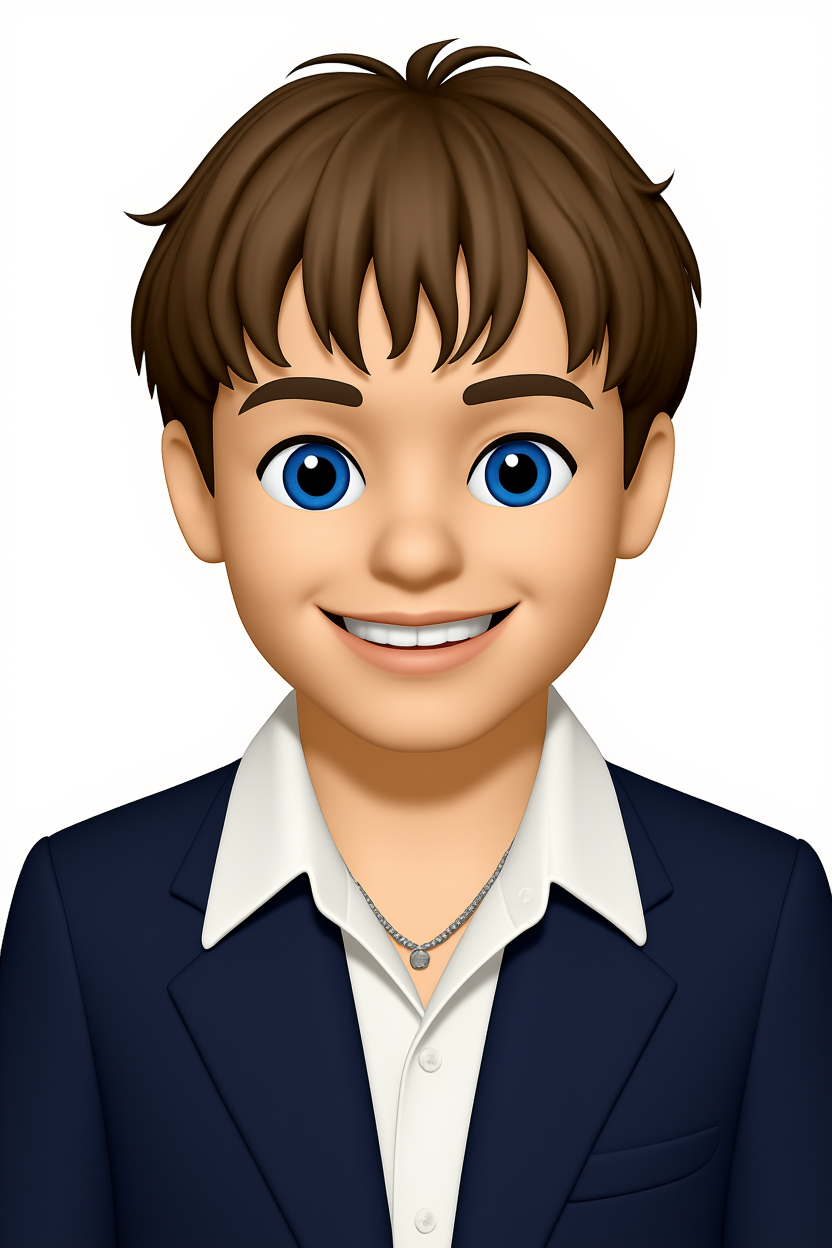
Example photo-to-emoji results
FAQs
Will my glasses be in the emoji?
Yes. Accessories like glasses, earrings, and visible jewellery are usually preserved.
How should I light my selfie?
Soft, even front-lighting beats anything dramatic. Window light at midday is ideal.
What is the Slack emoji size limit?
Slack accepts square PNGs up to 128KB. The recommended size is 128x128 pixels.
Can my whole team use it?
Once added by a workspace admin, custom emojis are available to every member of that Slack workspace.